
















DIY 3D Printed Robotic Eye with Arduino and Servo Motors
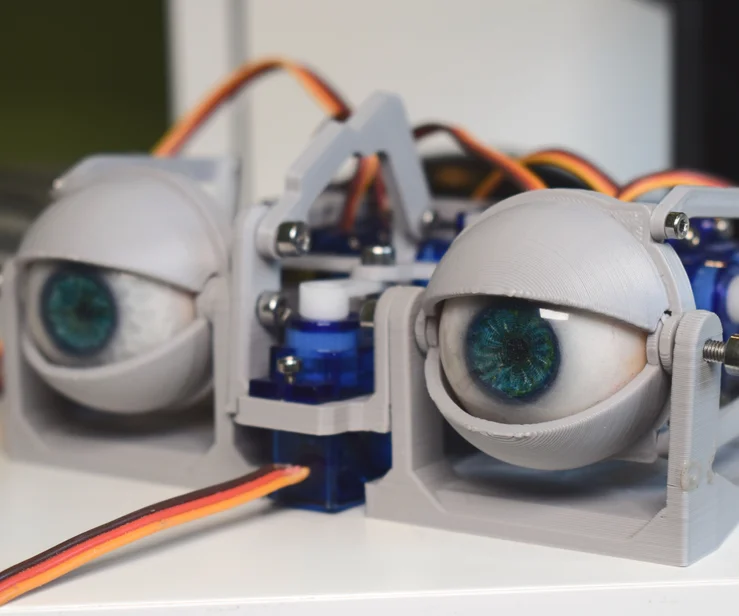
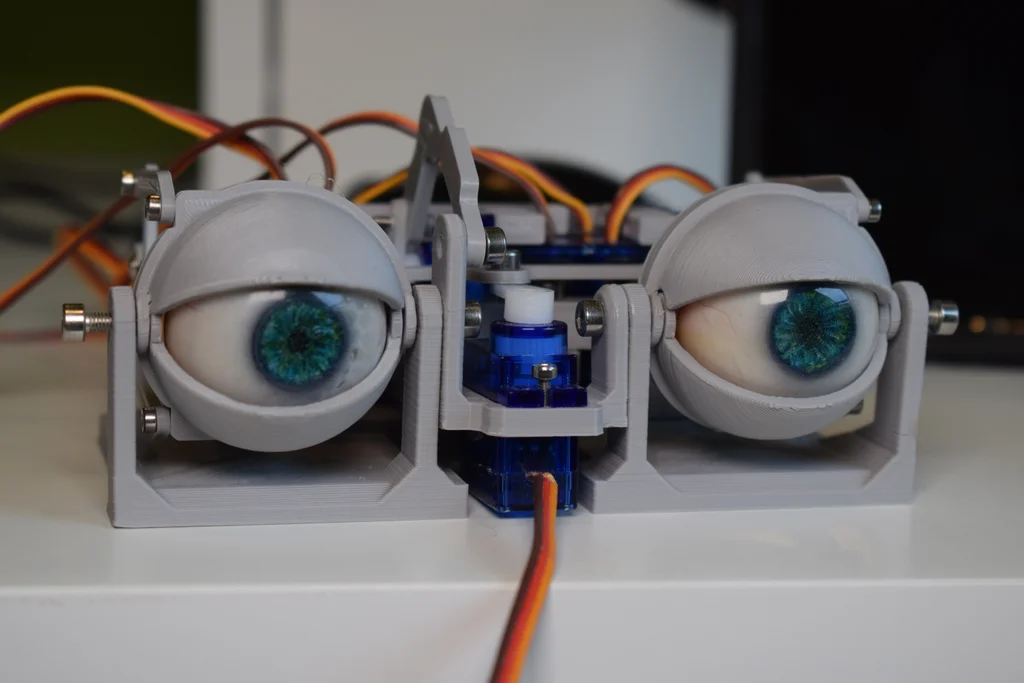
If you’re looking for a fun and creative robotics project, the DIY Robotic Eye is a great choice. Using a 3D printed frame, Arduino, and servo motors, you can build an animatronic eye that moves just like a real one. This project is excellent for STEM students, hobbyists, and robotics enthusiasts who want to explore servo motor control, Arduino coding, and animatronics.
In this tutorial, you’ll find the components list, circuit pin connections, and Arduino code to bring your robotic eye to life.
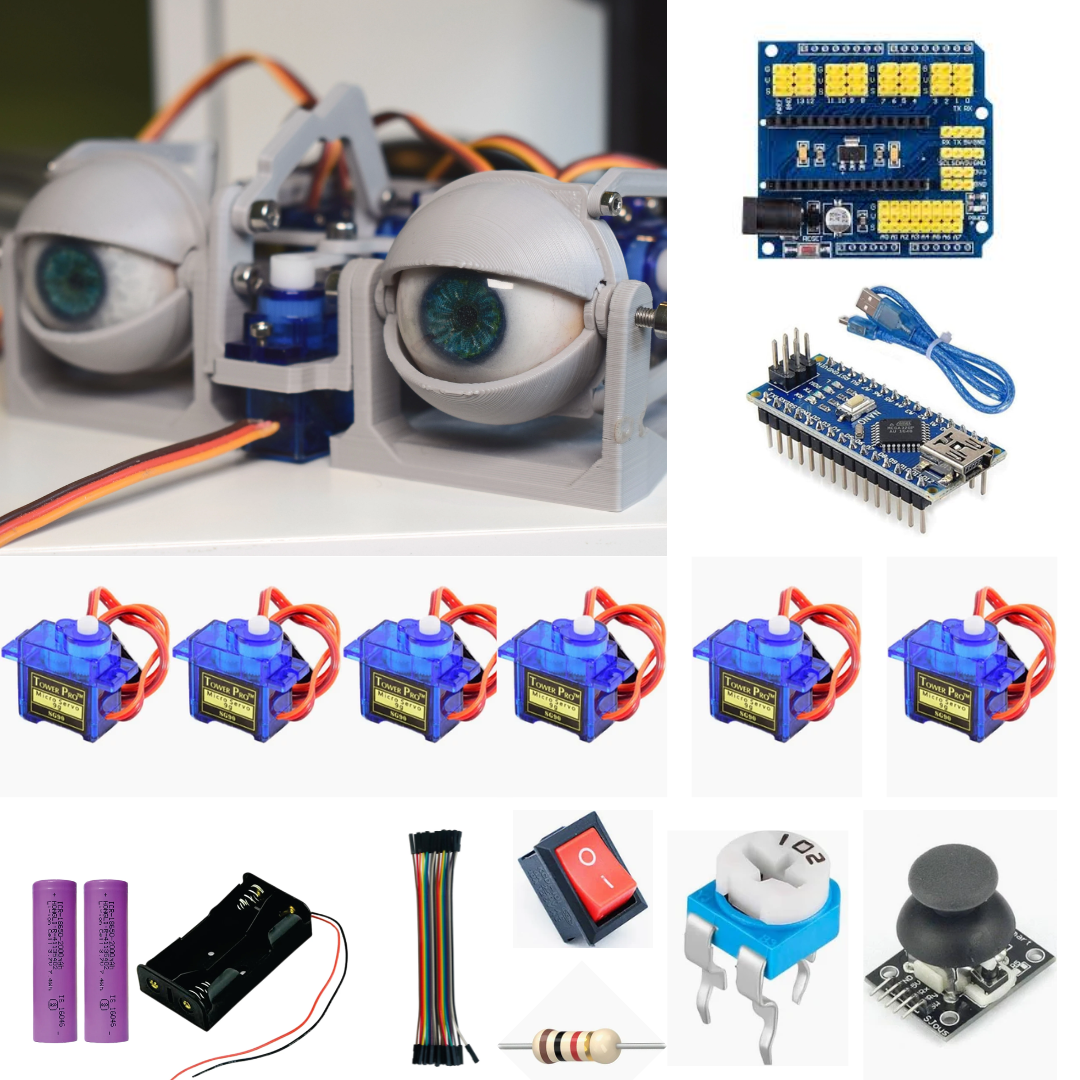
🛠️ Components Required
Arduino Uno (or compatible board)
2x Servo Motors (for horizontal and vertical eye movement)
Breadboard & Jumper Wires
Potentiometer or Joystick (for manual control)
3D Printed Eye Mechanism and Frame
USB Cable for Arduino
⚡ Circuit Diagram and Pin Connections
Here’s a simple wiring guide for the robotic eye:
Servo Motor 1 (Horizontal) → Digital Pin 9
Servo Motor 2 (Vertical) → Digital Pin 10
Potentiometer (or Joystick X-axis) → Analog Pin A0
Joystick Y-axis (if used) → Analog Pin A1
Servo Motors VCC → 5V
Servo Motors GND → GND
💡 Tip: If you’re using a joystick, connect its VCC to 5V and GND to GND.
💻 Arduino Code for Robotic Eye
#include <Servo.h>
// — Servo Objects —
Servo servoX; // Controls horizontal movement
Servo servoY; // Controls vertical movement
// — Potentiometer Pins —
const int potX = A0; // Potentiometer for horizontal axis
const int potY = A1; // Potentiometer for vertical axis
void setup() {
// Attach servos to pins
servoX.attach(9); // Servo X connected to digital pin 9
servoY.attach(10); // Servo Y connected to digital pin 10
}
void loop() {
// Read potentiometer values (0 – 1023)
int xVal = analogRead(potX);
int yVal = analogRead(potY);
// Map potentiometer values to servo angles (0 – 180)
int posX = map(xVal, 0, 1023, 0, 180);
int posY = map(yVal, 0, 1023, 0, 180);
// Move servos to mapped positions
servoX.write(posX);
servoY.write(posY);
delay(15); // Small delay for smooth movement
}
This code reads the potentiometer or joystick values and maps them to servo positions, making the robotic eye move realistically.
Video
🔧 Testing and Adjustments
Connect your Arduino to a power source.
Move the potentiometer (or joystick) to control the robotic eye.
The horizontal servo manages left-right motion.
The vertical servo manages up-down motion.
If movements feel too sensitive or jerky, adjust the map() values or add a larger delay for smoother response.
Conclusion
The DIY 3D Printed Robotic Eye with Arduino is a fantastic animatronics project that blends electronics, coding, and creativity. Whether you’re working on a STEM school project, a robotics hobby build, or exploring Arduino basics, this project will teach you valuable concepts like servo motor control, analog input reading, and Arduino programming.
You can also expand this project by adding sensors, a camera module, or face-tracking software to create a more advanced robotic eye.
🚀 Start building today and explore the exciting world of DIY robotics and animatronics!